Cozy Lights

EARLY ALPHA - do not install if you don't know what that is. Makes light sources propagate light farther, allows to create literal projectors that spread light over up to 120 nodes distance
building building_mechanics creative decorative environment mapgen oneofakind__original singleplayer world_tools

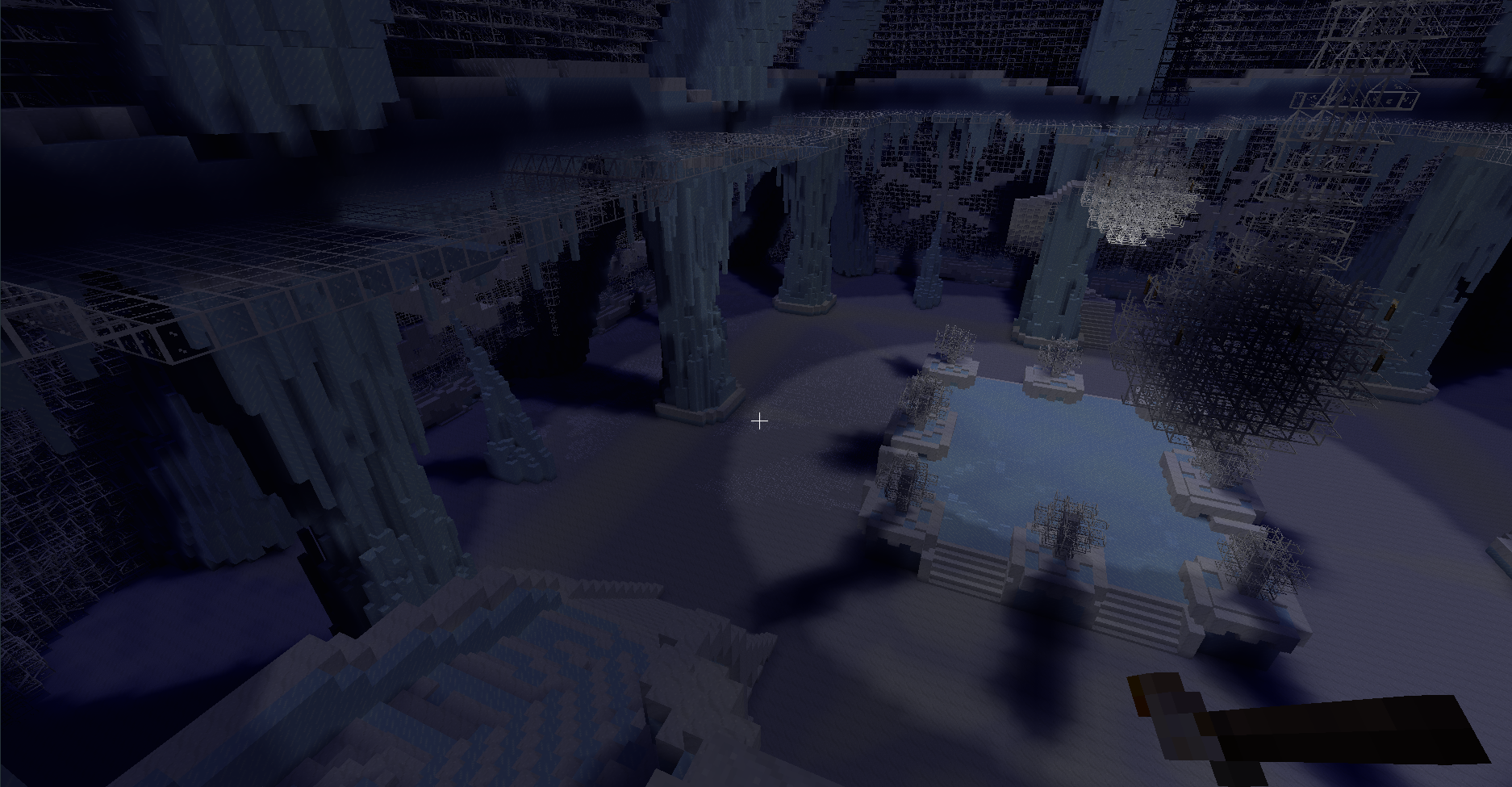
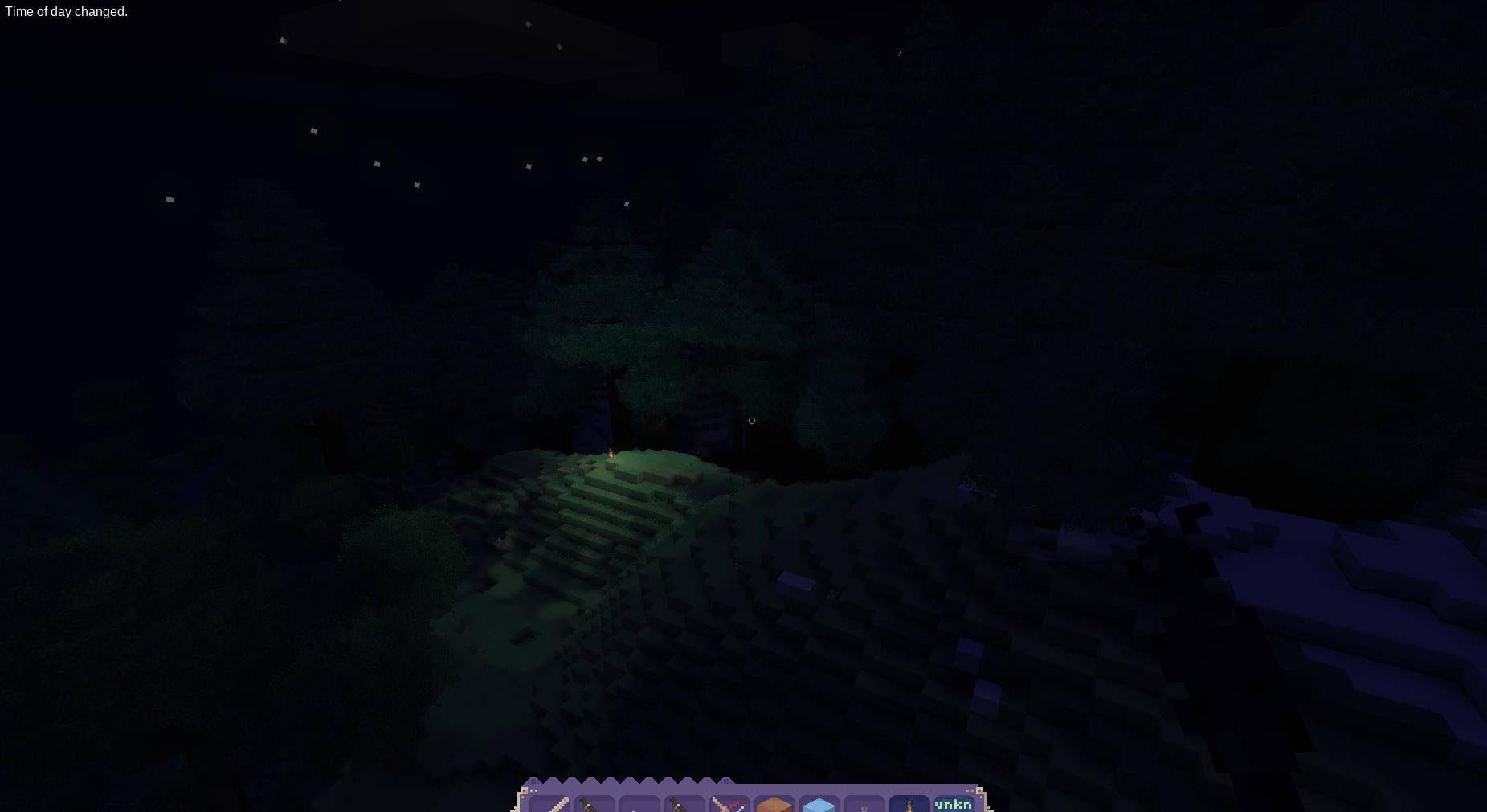
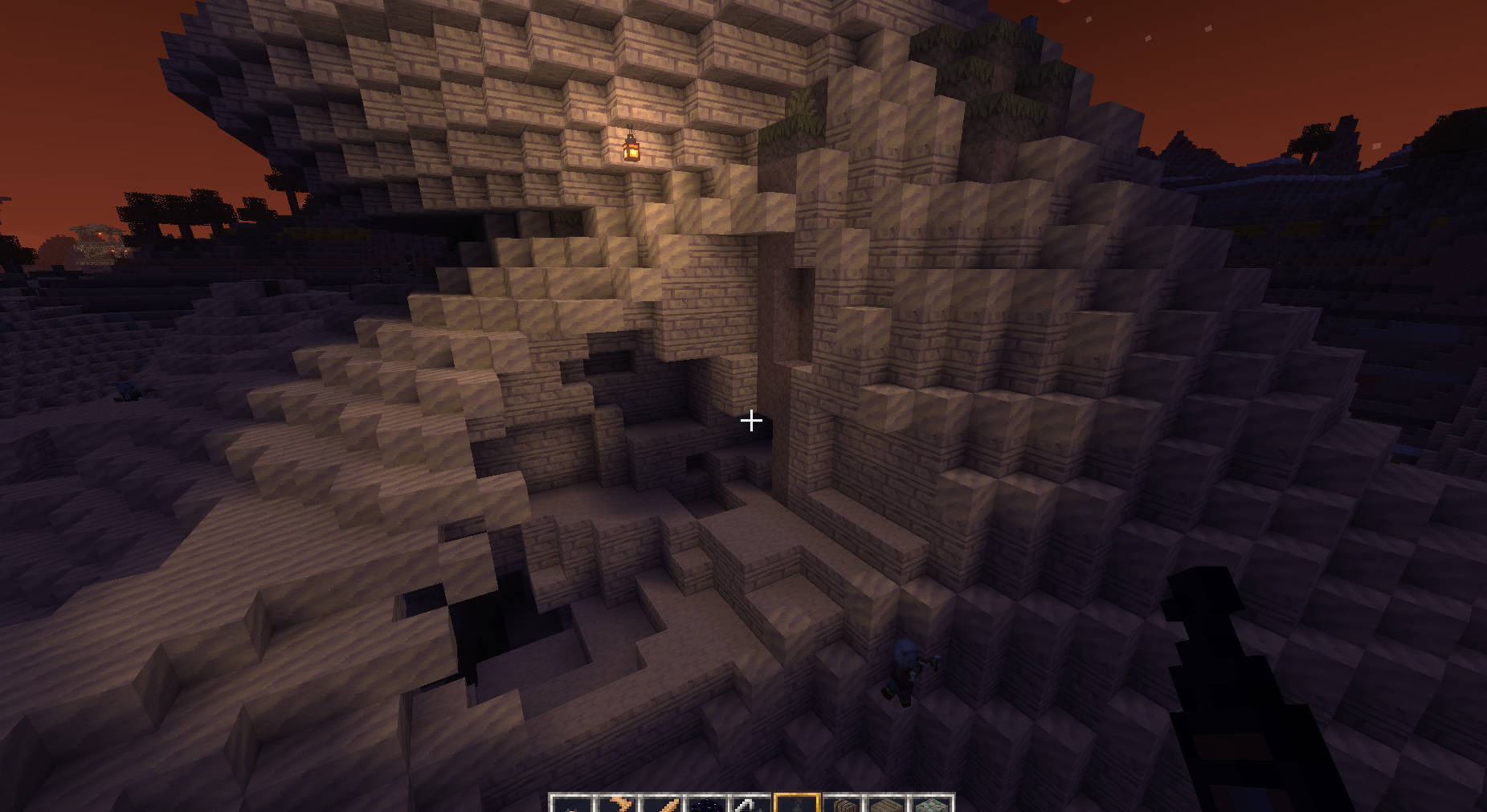


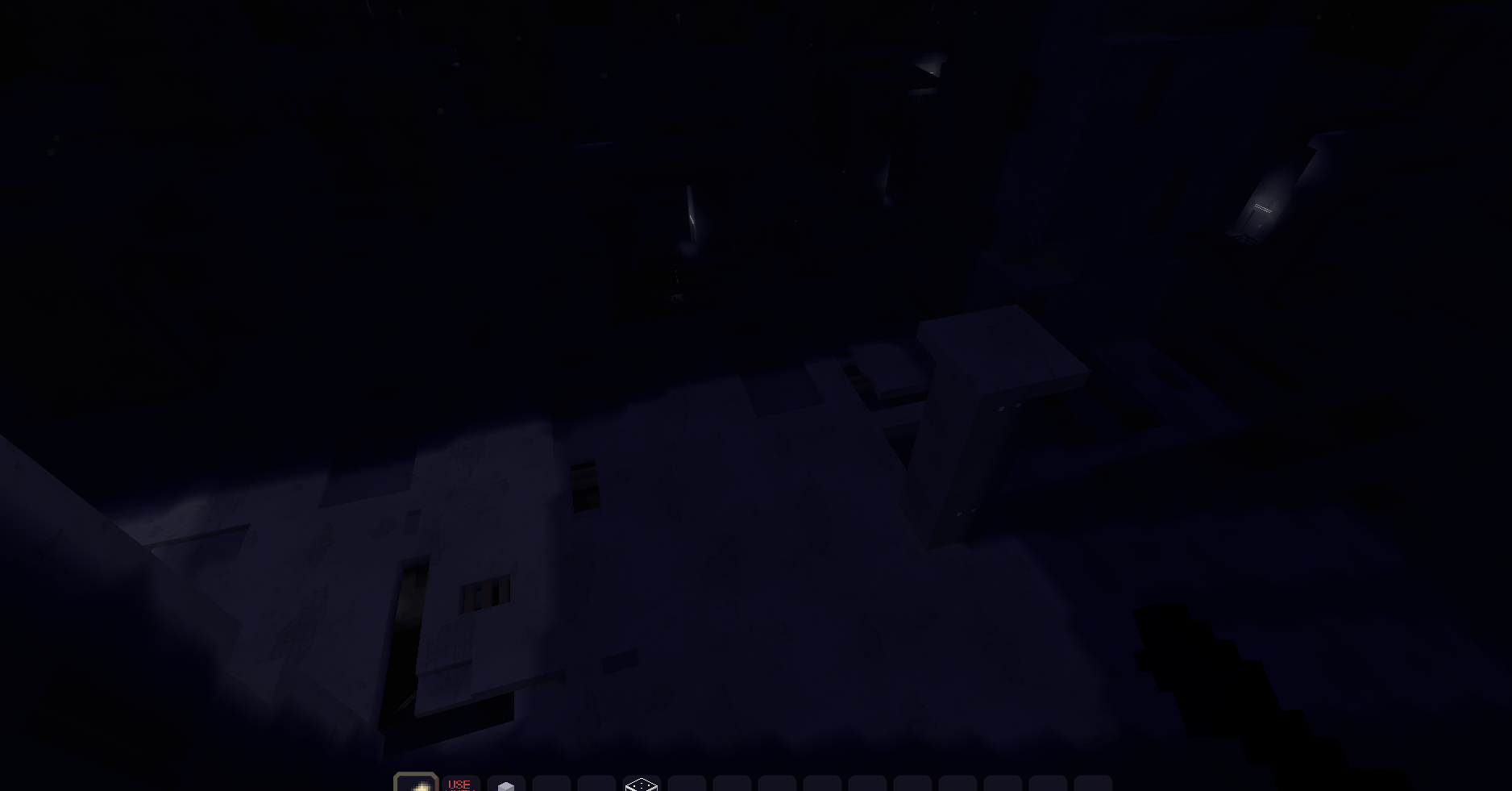

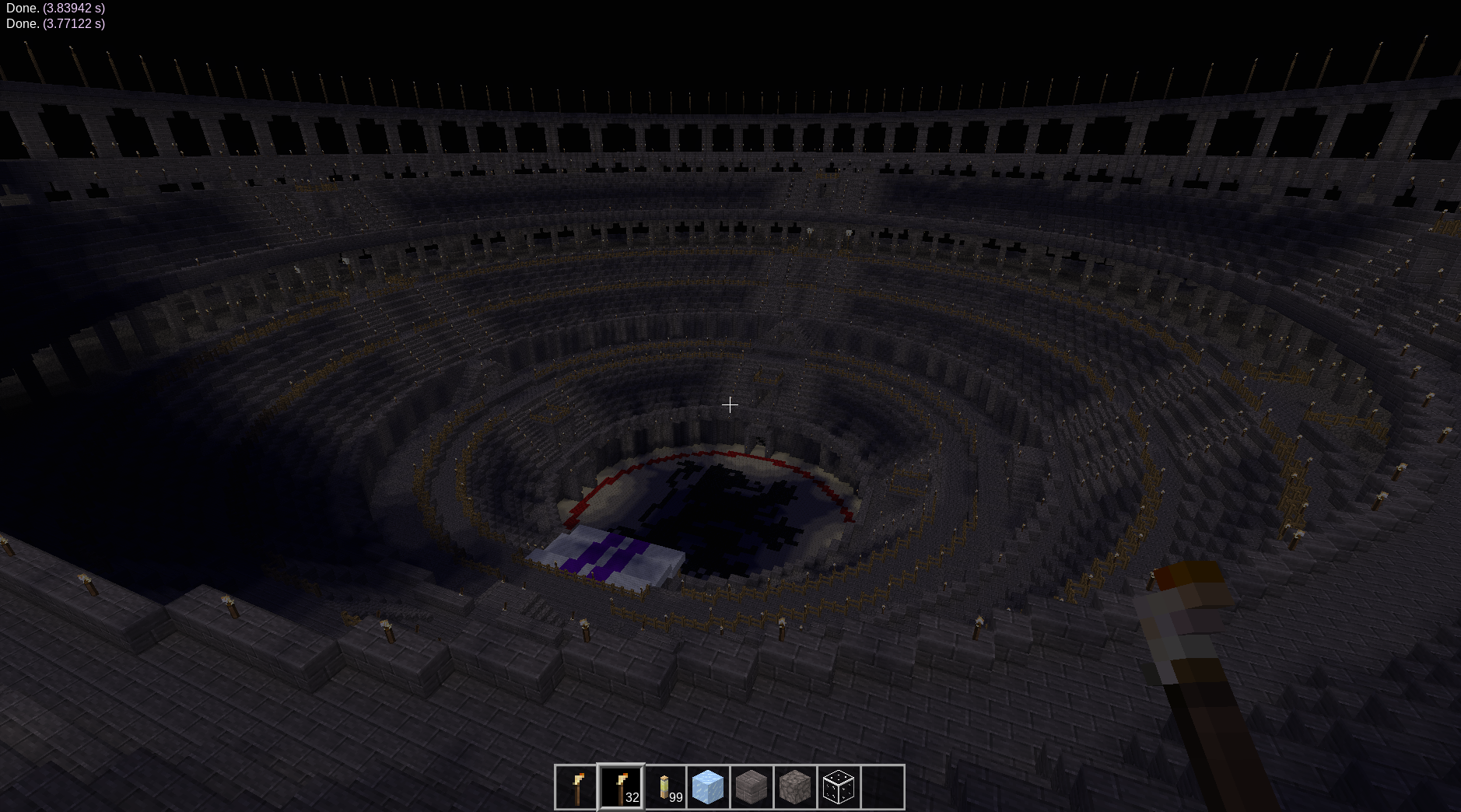
Watch quick brush video with audio
Watch quick huge light video with audio
Cozy Lights
I am asking you to please briefly examine the definition of Early Alpha before installing and reviewing: https://www.google.com/search?client=firefox-b-lm&channel=entpr&q=early+alpha+definition Further development depends on feedback and bug reports, it depends on if you would like to provide feedback and therefore not guaranteed. Documentation is lacking, ask around if this page is not enough. At this dev stage Cozy Lights can be good for builders in creative mode, singleplayer survival is somewhat okayish too, but it has a bit of issues
This particular mod is definitely not ready for multiplayer yet, however you can use this: https://content.luanti.org/packages/SingleDigitIQ/cozylights_schem_loader/
Just to clarify, early alpha means that some stuff might not work at all, or work incorrectly, and there can be bugs. This mod can ruin your old world, so use it in a new world.
You dont have to do anything to set it up, default settings will make almost all light sources in Luanti illuminate bigger areas:
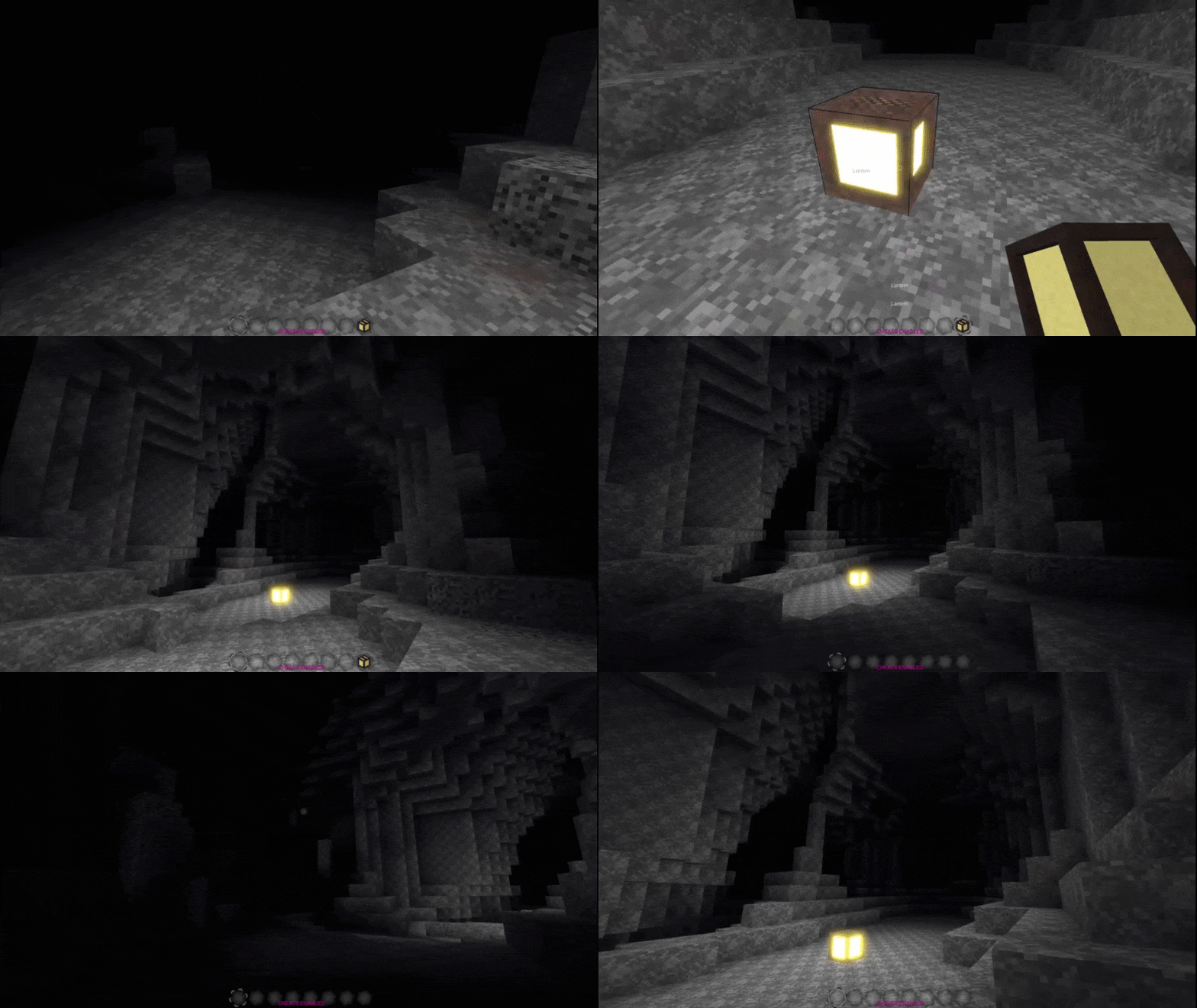
Buildable voxel light maps are a complete game changer - it is almost like going from 2d to 3d in terms of depth. You now have 14 shades for every visible building block, and it does not have to register 14 versions of every building block. Cobble only challenge has got a whole lot easier, something fun to look at with the least fun texture is possible now with just this mod :> Btw, disabling smooth lighting can make for an interesting aesthetic in some cases. Btw, nothing stops you from using cozy lights schematics on multiplayer servers.
You can also build these lights just like you do with any structures, in other words, place invisible blocks of light of all possible engine light levels block-by-block. Tools are coming soon to make this process more user-friendly, right now you will need to make them visible and interactable in debug mode.
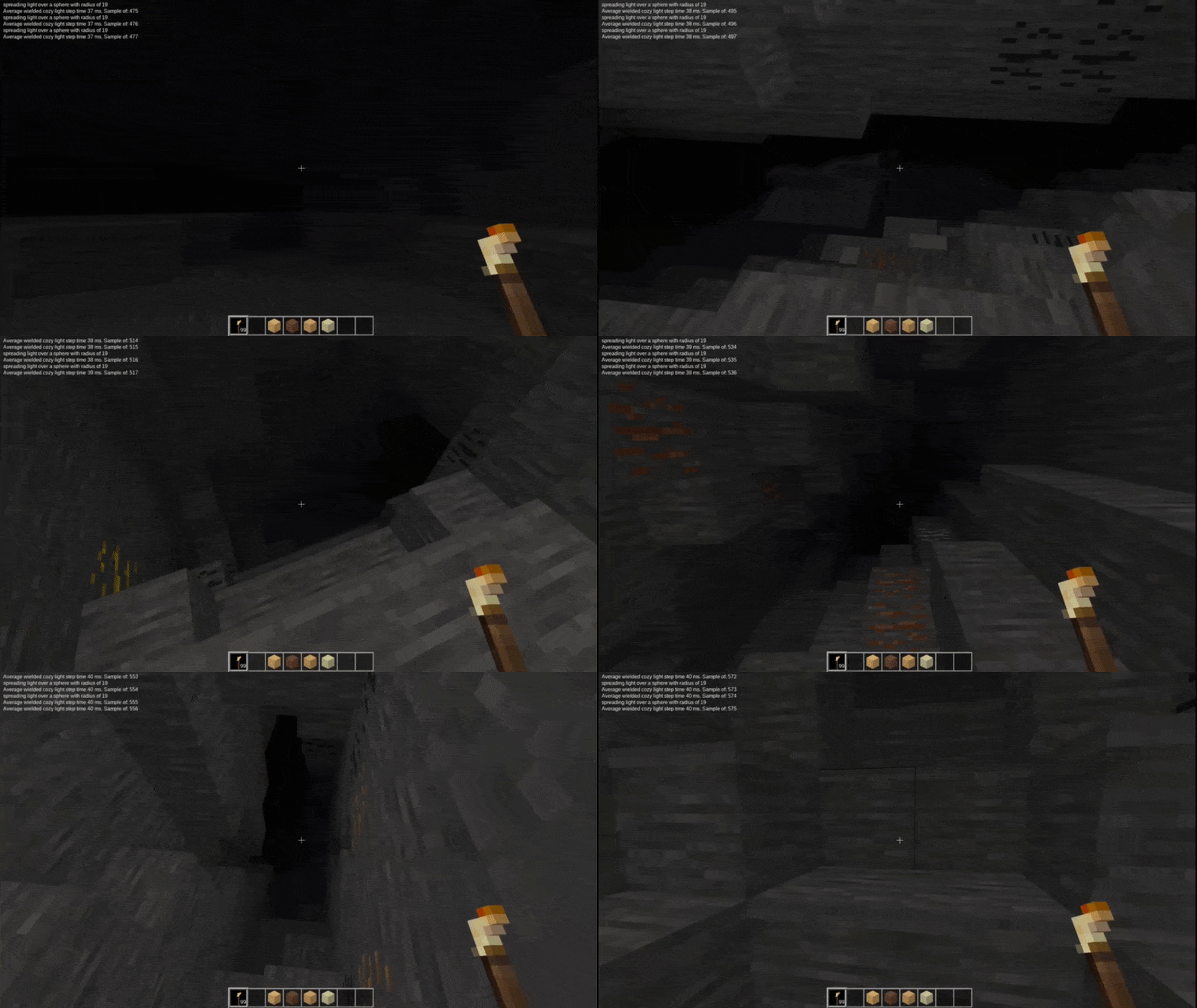
Cozy wielded light:
WARNING
1. after removing Cozy Lights from your world you will be left with spheres of unknown nodes. Easiest could be to reenable the mod and call /clearlights in all locations Cozy Lights are active, or if its too many then /uncozymode.
2. if you have override_engine_lights enabled(a setting which makes light distribution prettier), then in case you ever remove Cozy Lights mod from your world, you will be left with broken lights. To fix it, you will need to use the mod fixmap or anything that updates/fixes engine lights. override_engine_lights is disabled by default, so it should be safe.
Known issues
-
worldedit:placeholder nodes can prevent light map from generating correctly and this currenly happens without notice or options provided. Current workaround is to define a worldedit region and run
//replace worldedit:placeholder airbefore adding lights to the scene. There can be other invisible nodes from some mods and games which would interfere with light map. -
Nodecore dynamic lights do not update cozy light map after changing charge.
-
Cozy Lights together with K Ambient Light are not recommended until resolved.
-
Can crash your server with out of memory error if you are too potato. Typical limit is about 1-2 GB for LuaJIT because of how it uses 32bit virtual registers or something, and in some cases it can be exceeded, especially in multiplayer, or with very particular mods that place too many light sources on the map
-
If a mod or a game you like is not supported or there are some problems, tell me, I will see what can be done. You can just drop a list of mods you have issues with in review
-
The mod might not work out of the box for light sources that where already generated/placed before the mod was enabled, right now you will have to make those cozy manually by running
/rebuildlights 80or something like that. Probably wont fix this
For what it does it's quite fast, and supposed to get even faster, what you see is only a fraction of speed it can have. I have recently discovered that one of my machines has CPU is 12(!) years old and it's actually usable on that PC.
Light Brush
Not craftable, available only in creative.
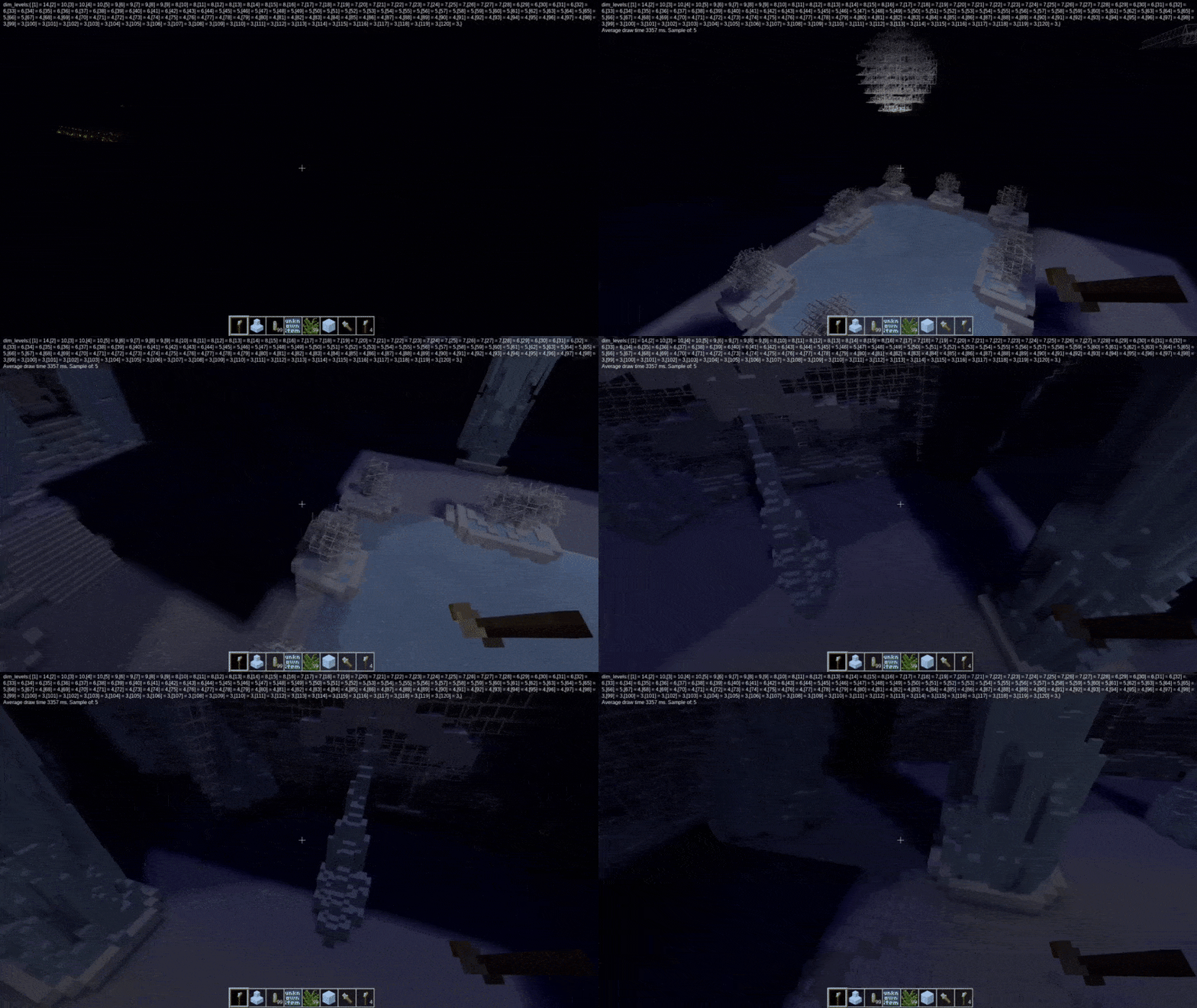
Click or hold left mouse button to draw light with given settings. Light Brush' reach is 100 nodes, so you can have perspective. Note: with radiuses over 30 nodes as of now only mouse click works, and mouse hold won't have any effect.
Right click is undo for last stroke, up to 200 last strokes per player is possible to undo.
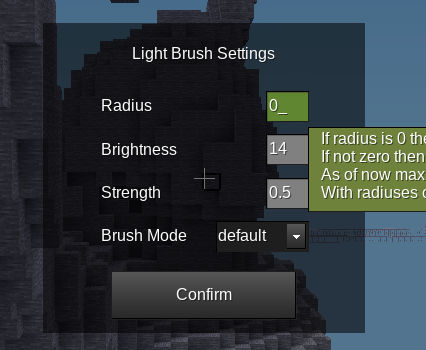
if you enter chat command /cozybrushsettings or it's short version /zbs, Light Brush settings menu opens. The menu has hopefully useful tooltips for each setting. You can set radius, brightness, strength and draw mode. There are 6 draw modes so far: default, erase, override, lighten, darken and blend.
Chat Commands
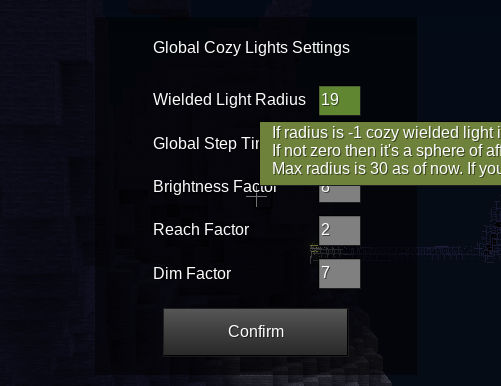
/cozysettings or /zs opens a global settings menu for cozy lights, here you can adjust node light sources like torches, meselamps, fireflies, etc to make it work better with potato or make light reach mad far and stuff. Some settings which you can find in Minetest game settings for the mod are still not present here(like override_engine_lights which makes everything nicer). These changes persist after exiting and re-entering the world again.
Currently max radius is 120 for commands below, if your value is invalid it will adjust to closest valid or report an error. Eventually max radius will be much higher.
/clearlights <number> removes invisible light nodes in area with specified radius. Helpful to remove lights created with light brush. Example usage: /clearlights 120
/rebuildlights <number> rebuilds light map in an area with specified radius. Useful in case you changed the settings or accidentally broke some lights by other commands or by mining in debug. This can be slow if there are lots of light sources in the area with far reaching light. Example usage: /rebuildlights 40
/fixedges <number> fixes obstacles' opposite edges for light map in an area with specified radius. Default algorithm sacrifices accuracy for speed, because of that the lights can still go through diagonal walls if they are only one node thick, and as of now they can sometimes light up an edge(1 block from a corner) of the opposite side of an obstacle. With this command you are supposed to be able to fix it, but currently it's weird, broken. You can use it but the result wont necessarily look good.
/cozydebugon <number> makes all cozy light nodes visible and interactable in an area with a specified radius. With it you can also basically build lights just as you would with any other structures before the tools for that are available.
/cozydebugoff <number> makes all cozy light nodes invisible and non-interactable again in an area with a specified radius.
/optimizeformobile <number> removes all cozy light nodes which do not touch a surface of some visible node, like cobble for example. It is maybe useful, because default algo spreads light in a sphere and lights up the air above the ground too, which might be a bit challenging for potato and mobile to render reliably, they might experience FPS drops. Good if you are building a schematic for a multiplayer server. This option might slightly decrease the quality of light map, basically might make some places darker.
/daynightratio <ratio float> change Minetest engine day_night_ratio for the player who used the command. 0 is the darkest night possible, you can observe how dark it can be on the screenshots, was useful in testing, probably will help with building too. 1 is the brightest possible day. Some gradations in between are maybe under appreciated and seem pretty moody, I guess that would depend on a texture pack.
/cozyadjust <size number> <adjust_by number> <keep_map number> change brightness of all cozy light nodes by adjust_by value in the area of size. Adjust_by can be negative. Keep_map is 1 by default and can be omitted, when it's 1 and adjust_by will result in a value out of bounds of 1-14(engine light levels) even for one node in the area, the command will revert(have no effect at all), so that light map will be preserved. If you are ok with breaking light map, type 0 for keep_map.
/uncozymode <number> - calls clear lights continuously at all players' positions in an area with provided radius. When done, you can disable it by typing /cozymode or go to /cozysettings and adjust there
Memorizing shortcuts for all commands is supposed to be easy, they attempt to follow a convention:
zcl - clearlights
zrl - rebuildlights
zfe - fixedges
zdon - cozydebugon
zdoff - cozydebugoff
zofm - optimizeformobile
zsl - spawnlight
zs - cozysettings
zdnr - daynightratio
za - cozyadjust
LICENSE
MIT+(you are not legally allowed to infect it with GPL, AGPL or EUPL) for my code, will appreciate reasonable attribution
Schematics for screenshots: FB_frosthold.mts by MisterE and coloseum.we by AMMOnym, angel statue is by Wyvern :>
A texture from MTG, which will be eventually replaced: default_glass.png is by Krock (CC0 1.0)
my debug textures are WTFPL if anything
Links
- Source: https://github.com/SingleDigitIQ/cozylights
- Forum: https://forum.luanti.org/viewtopic.php?t=30776
- Issues: https://github.com/SingleDigitIQ/cozylights/issues
- Website: https://github.com/SingleDigitIQ/cozylights
- Original ContentDB page: content.luanti.org/packages/SingleDigitIQ/cozylights/
License
MIT
Media license: CC0-1.0
Development state
WIP
| Version | Date | Min engine | Size | Download |
|---|---|---|---|---|
| 0.3.4 alpha | 2026-06-17 16:37:02 | 46.4 KB | Download |